

Wireless tally,
for most video switchers.
WiFiTally Pro reads your switcher once through the free WiFiTally Bridge app and drives every light on the network — ATEM, vMix, OSEE GoStream, AVMATRIX or RGBlink. Add the PTZ VISCA app and run your cameras from the same system.





Tally on every camera — exactly as many as you need.
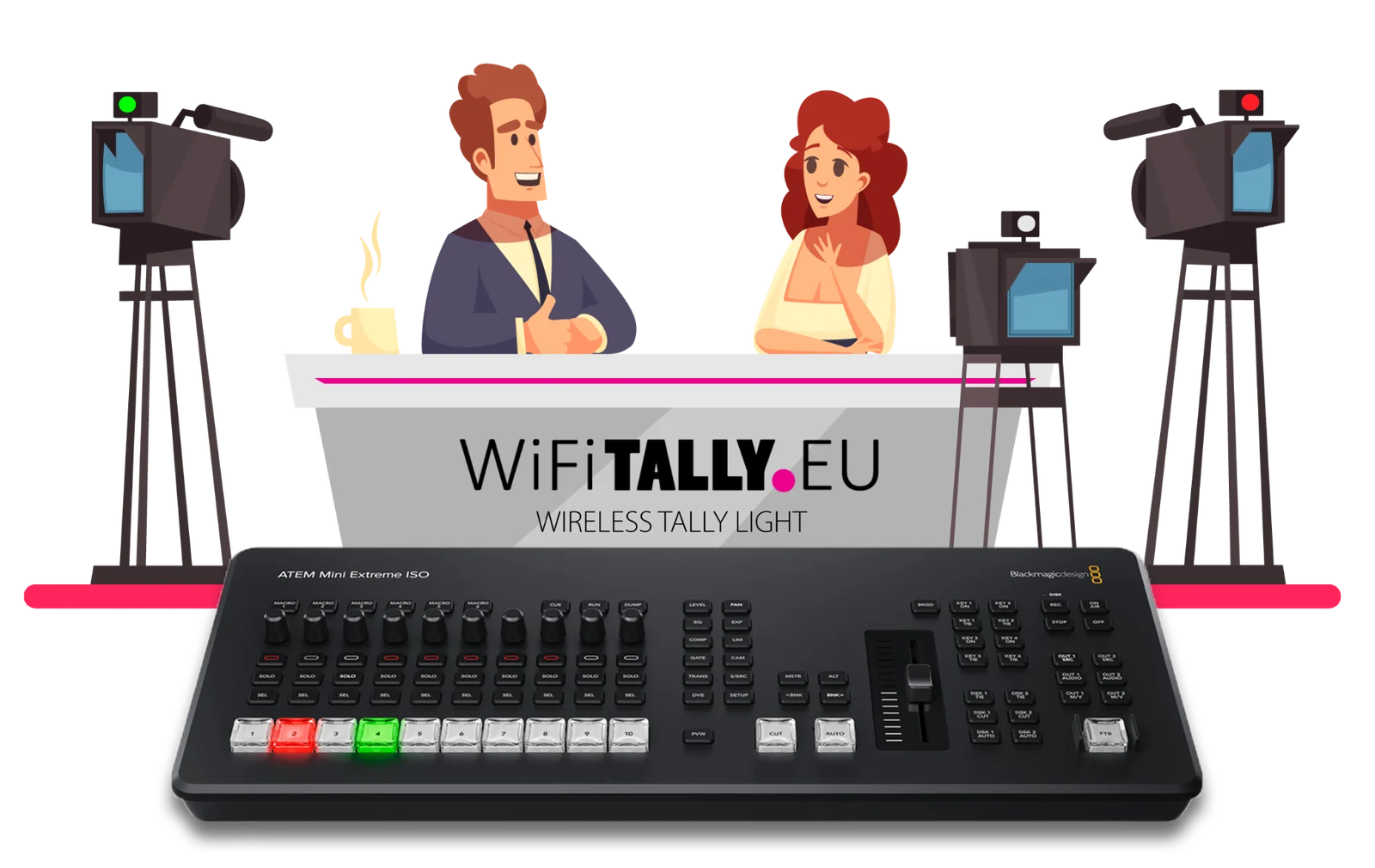
Use a WiFiTally on each camera and cut as usual — the live camera lights up red, preview goes green. Talent always knows where to look, and the crew sees it too.
One system for tally — and your PTZ cameras.
No more limit on the number of lights
The switcher is read once by WiFiTally Bridge, which then drives the lights. Add as many as your network handles — even on ATEM.
One light for all switchers
ATEM, vMix, OSEE GoStream, AVMATRIX or RGBlink — switch systems in the Bridge, your WiFiTally lights stay the same.
Set up in one place
WiFiTally lights find the Bridge by themselves. Name, camera input and front LED are set from one screen — no logging into each light.
Bridge app is free
WiFiTally Bridge runs on a Mac or Windows PC in the switcher network. Free to download, works with WiFiTally Pro lights.
Switcher → Bridge → every light.
- Run the free WiFiTally Bridge on a Mac or PC connected to the switcher network and pick your switcher.
- Switch on the lights — they join your WiFi and show up in the Bridge automatically.
- Assign a camera input to each light and go live. Program red, preview green — instantly.
WiFiTally Pro — the new standard.
Run your PTZ cameras from the same system.
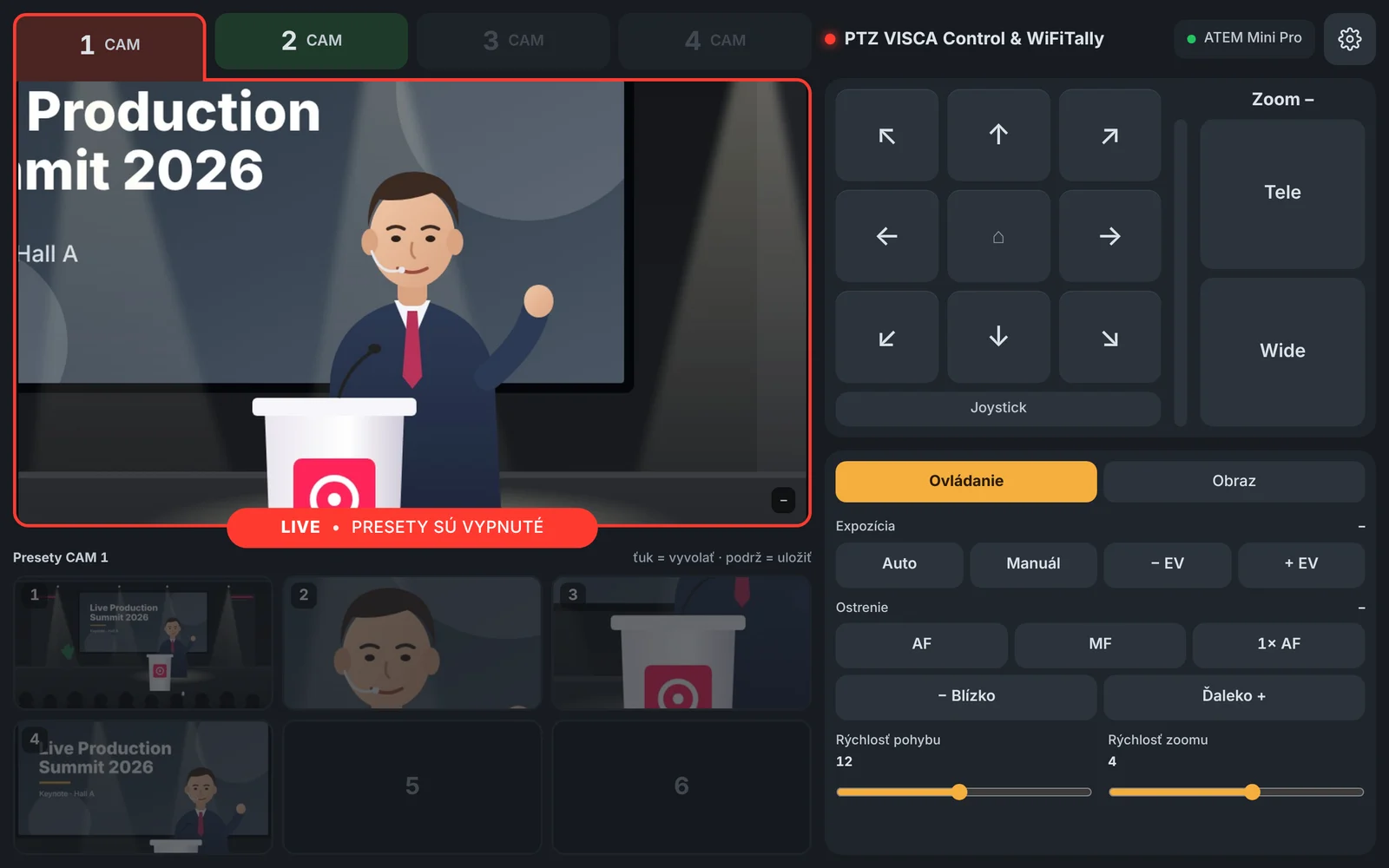
An Android app for tablets that controls VISCA-over-IP PTZ cameras through WiFiTally Bridge. It knows which camera is live, so you never move the shot that is on air by mistake.
- Pan, tilt, zoom and focus with touch joystick or a gamepad
- Presets, home position, exposure and white balance
- Live camera preview with histogram and zebra (supported cameras)
- LIVE guard: the on-air camera is locked against accidental moves
- Ponky, your helper in the Bridge, guides you through setup and keeps an eye on whether every camera, light and switcher is connected and set up correctly
Free for 1 camera · unlock more cameras in the app · Android · works together with WiFiTally Pro.
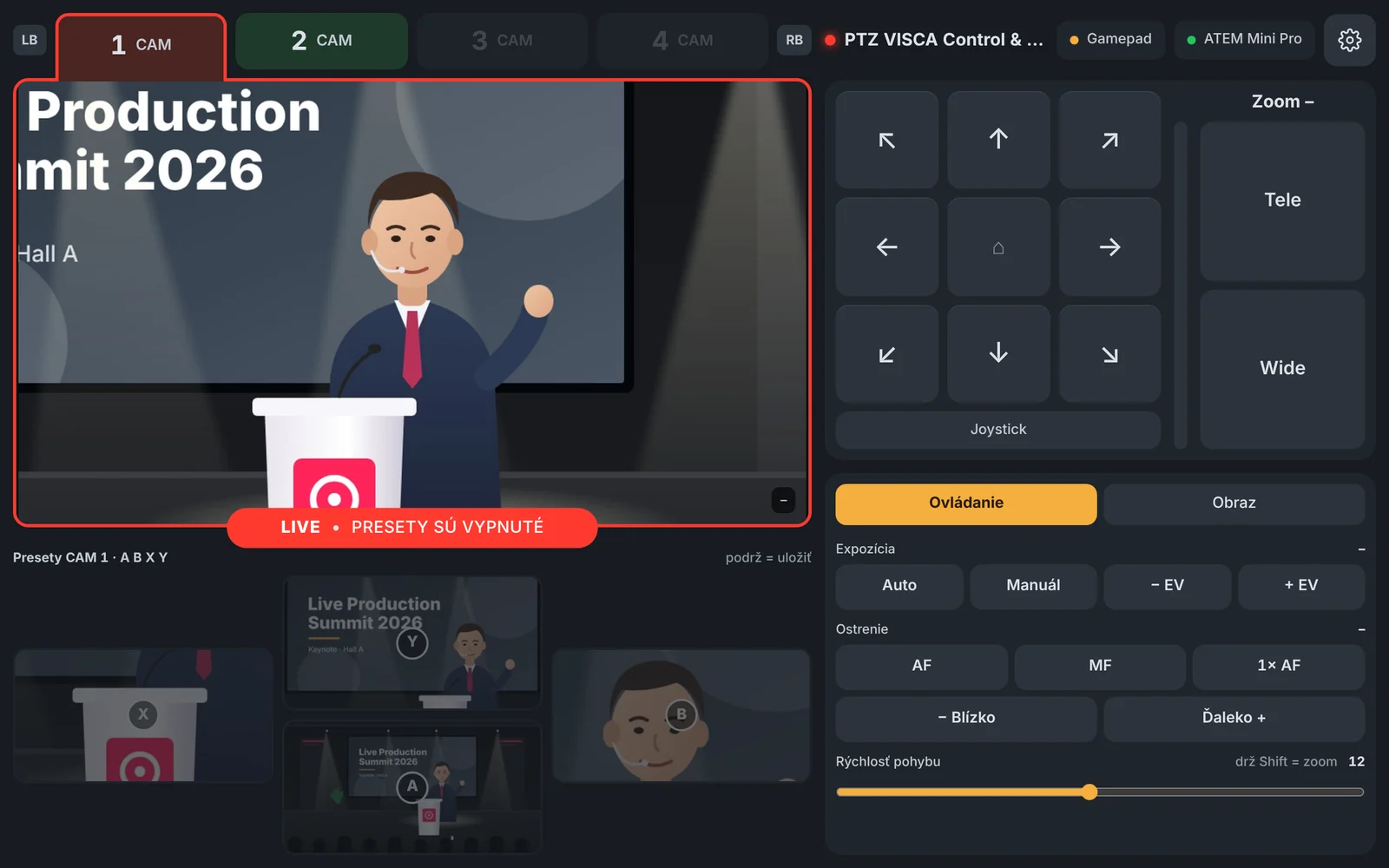
Pan like a pro!
Connect an Xbox or any Bluetooth gamepad to your tablet. Every button has one job and the presets on screen are laid out exactly like A B X Y under your thumb, so your eyes stay on the show.

Bored? There is Ponky HOP! – a mini game to keep you company during breaks
Classic lights — direct to the switcher
They work without a computer or WiFiTally Bridge. Each light connects straight to the switcher. Each model is made for one system and is limited in the number of tally lights.
Worldwide shipping, full warranty and direct support from the makers.
One look tells everyone what's live.
Classic lights: setup in three steps
Connect your switcher
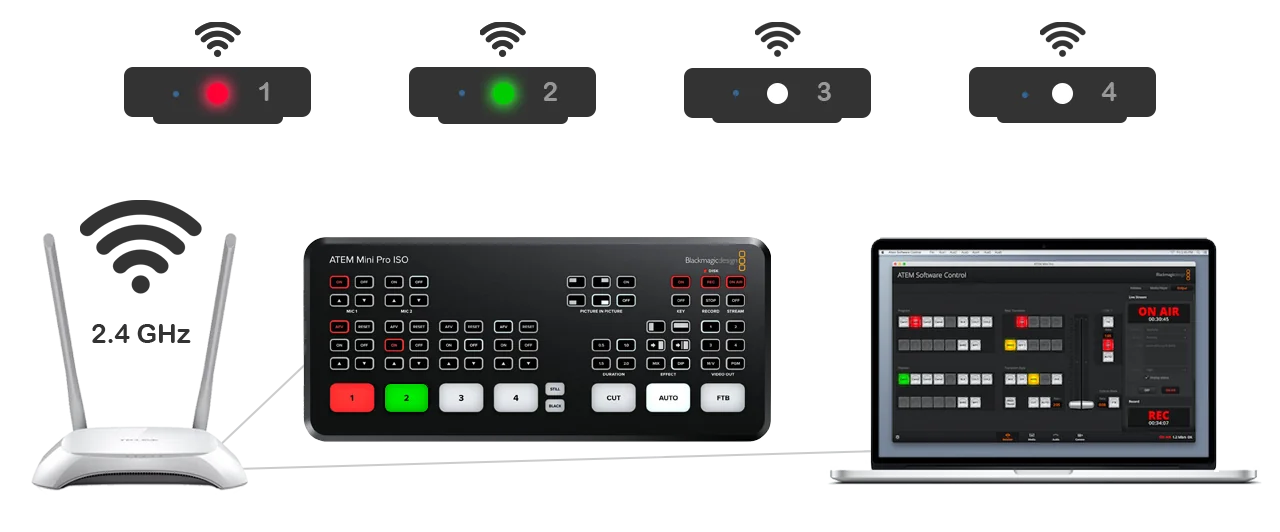
Plug your ATEM, vMix machine or GoStream into a WiFi access point via LAN — any decent 2.4 GHz router works.
Configure each light
Connect to the light over WiFi from a phone or laptop, set network credentials, switcher IP and camera input.
Go live
Lights talk directly to the switcher. Camera tallied as Program lights up red, Preview lights up green — instantly.
Direct from switcher to light.
Your switcher connects via LAN to the WiFi router. WiFiTally lights join the same WiFi network and listen for tally state from the switcher — no middleman.
Built for any production with
more than one camera.

Broadcast studios
Multi-camera news desks and talk-show sets, fully tallied without trailing cables.
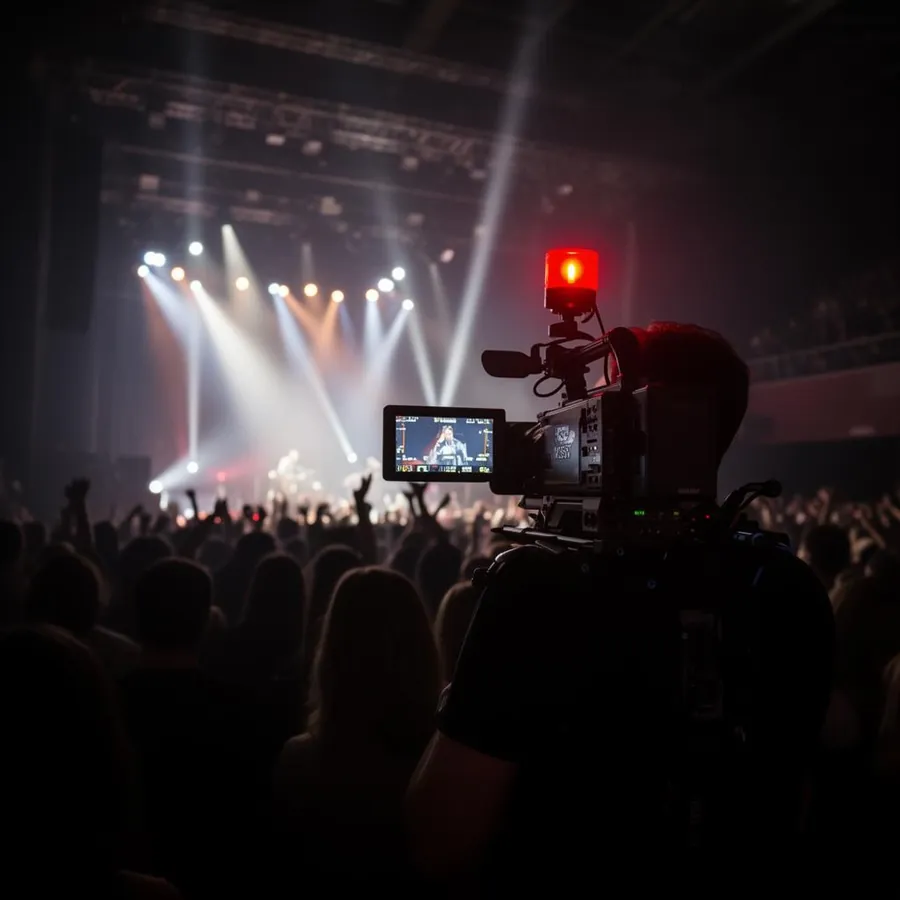
Live events & concerts
Roaming shoulder-rig operators stay in sync with the FOH switcher.
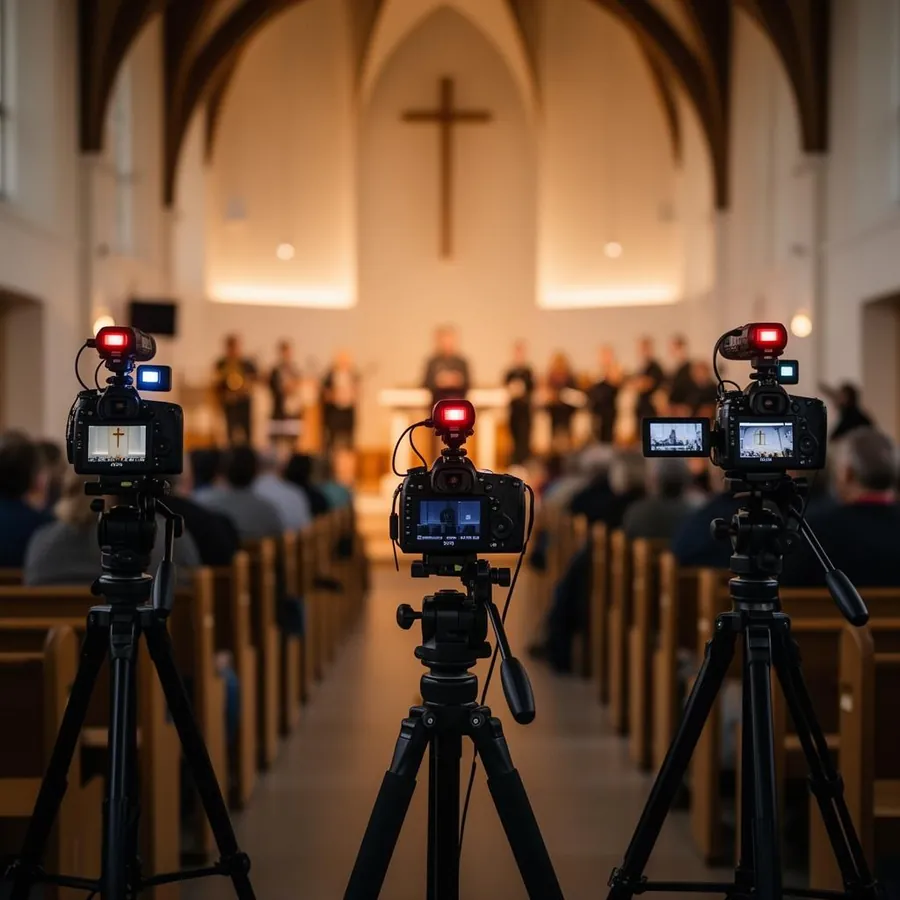
Houses of worship
Volunteer camera teams know which feed is live, every Sunday.
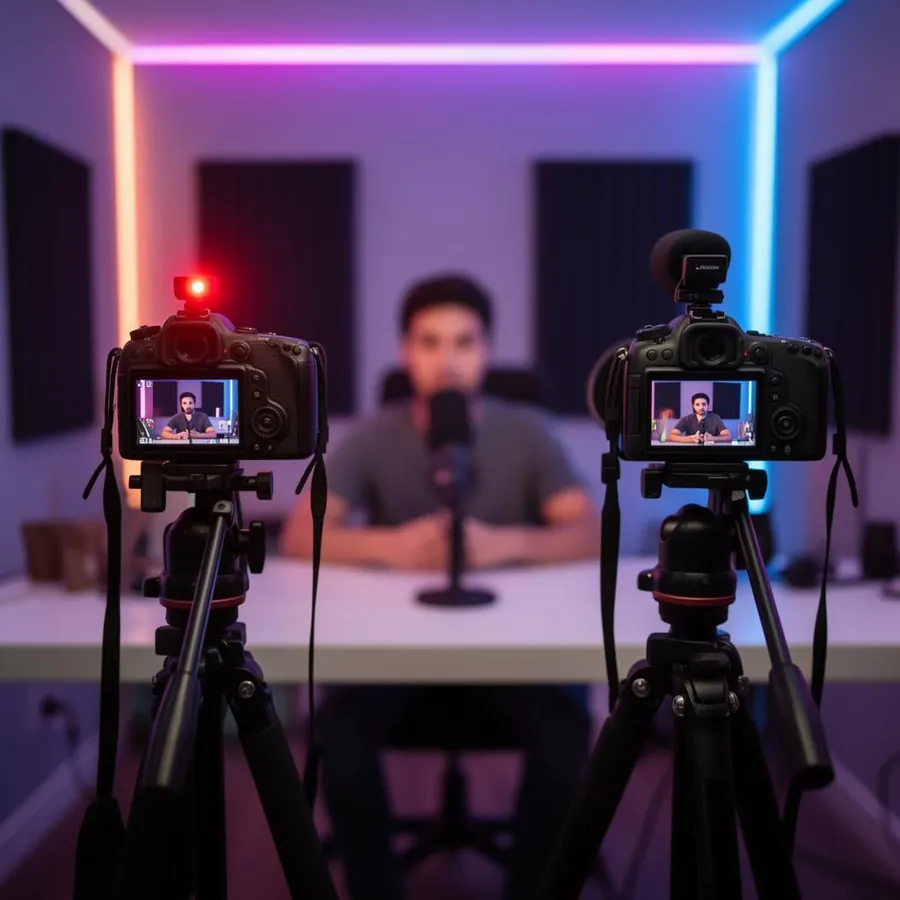
Streamers & podcasts
Two-camera home studios and YouTube setups, no rack equipment required.
Trusted by live video crews
“WiFi Tally is an invaluable companion when creating a live stream, every videographer knows exactly when to prepare for a shot and when they are in the frame. The high functionality and reliability of this product makes us happy every time we use it.”
“A great solution for anyone who is serious about streaming. Unbeatable price, functionality, correct communication with the seller. I use 4 WiFi Tally lights on my Atem Television HD.”
Pro or Classic?
| WiFiTally Pro | Classic | |
|---|---|---|
| How lights get tally | Through WiFiTally Bridge (Mac/PC) | Directly from the switcher |
| Switchers | ATEM · vMix · OSEE GoStream · AVMATRIX · RGBlink | ATEM · vMix · OSEE GoStream (one model each) |
| Number of lights | No fixed limit | ATEM: 4 · vMix: 8+ |
| Setup | All lights from one screen in the Bridge | Each light via its own web page |
| Computer needed | Yes — runs the free Bridge app | No |
| PTZ camera control | With the PTZ VISCA app (free for 1 camera) | — |
| Price | €49 per light | €49 per light |
Specifications
From the blog.
What is the difference between Pro and Classic?
The hardware is the same. Pro lights get tally from the free WiFiTally Bridge app on a Mac or PC, so there is no light limit and one light works with every supported switcher. Classic lights connect straight to one switcher without a computer.
Do I need a computer for WiFiTally Pro?
Yes — a Mac or Windows PC in the same network as the switcher runs WiFiTally Bridge during the show. It is free to download.
How many Pro lights can I use?
There is no fixed limit. The Bridge reads the switcher once and drives all lights, so the practical limit is your WiFi network.
When will WiFiTally Pro ship?
WiFiTally Pro is available for pre-order now. Pre-orders ship first, as soon as the first batch is ready — we will e-mail you the shipping date.
What is the PTZ VISCA app?
An Android app for tablets that controls VISCA-over-IP PTZ cameras through WiFiTally Bridge, with presets, live preview and protection of the on-air camera. It is free for one camera; more cameras can be unlocked in the app. Coming soon.
How do Classic lights work?
WiFi lights connect over WiFi, so you need a wireless access point connected to the switcher network. You connect each light to your computer or smartphone over WiFi to set the network credentials, IP address and camera input number. They then connect to your switcher via the WiFi network. The switcher (ATEM, vMix PC or GoStream) is connected to the same router via LAN cable. WiFiTally lights do not require any control unit or software running on your computer.
How many Classic lights can I use?
Up to 4 Classic lights with a Blackmagic ATEM switcher. With vMix you can run 8 or more, depending on your network and licence. Need more on ATEM? Choose WiFiTally Pro.
Do I need anything else?
A decent wireless access point to set up a stable 2.4 GHz b/g/n WiFi network, connected to your switcher router, plus USB-C power for each light — most modern cameras can power it directly, otherwise a small power bank works perfectly.
What is the range?
Range depends mainly on the access point and physical obstacles, but is similar to other devices on the same network — phones, tablets, laptops. If needed, range can be extended with additional access points or a Mesh system.
Why does it not have an internal battery?
We wanted the lights to stay as small and lightweight as possible, without restricting movement. It also lets you pick the most optimal power source for your rig — many cameras have a USB output that can power the light directly.
Which model do I need?
For most setups WiFiTally Pro — it works with every supported switcher and has no light limit. If you do not want a computer in the chain, pick the Classic model for your switcher: ATEM, vMix or OSEE GoStream.
Does it work with OSEE GoStream?
Yes — choose WiFiTally for GoStream. It connects to your GoStream switcher over the same WiFi network, just like the ATEM and vMix versions.
How do I order?
Add products to the cart right here on wifitally.eu and pay securely in advance via PayPal (PayPal account or card). You get a confirmation by e-mail right away. Resellers and integrators can also buy through the Syntex distributor network.
Order from the makers
Order directly on this site. Worldwide shipping, full warranty and direct support from the team that builds the lights.
Go to the shopSyntex network
Also available across Europe through the official Syntex distributor network — for resellers and integrators.
Go to Syntex store